Open the camera before measuring
Sit where you normally work and open the camera preview in the software you use. Keep your usual screen and chair positions. Mark the part of the wall that remains visible beside and above you; a wide room photograph will show much more than the call does.
Look for awkward intersections. A frame edge directly behind your head can resemble an outline around it, and a picture hung very high may be cut off at the top of the screen. Move a paper template while watching the preview rather than relying on a normal hanging-height guideline.
Choose an image that survives the small view
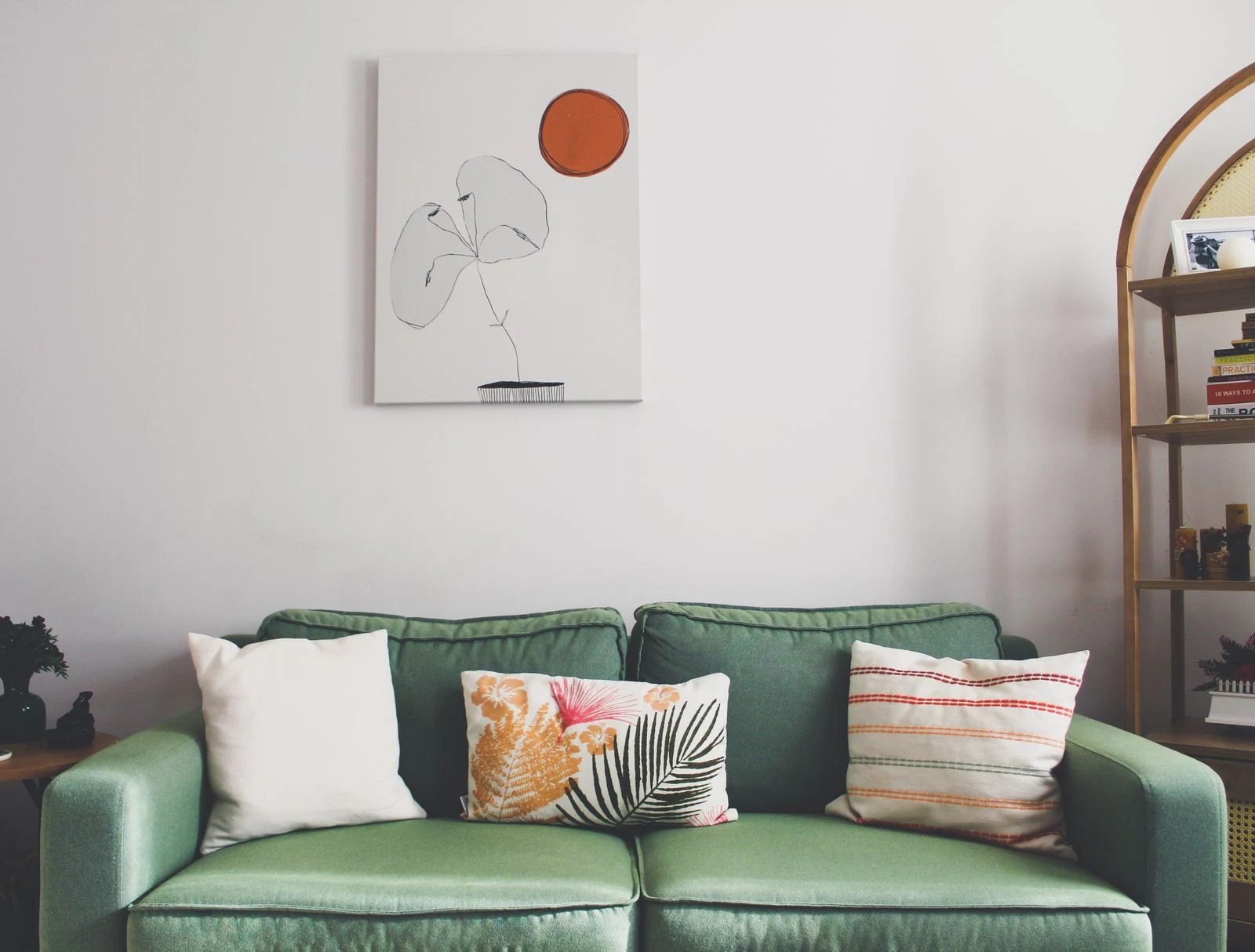
Broad forms usually read more clearly than tiny detail on a compressed video image. Fine repeated stripes or grids can produce distracting patterns on camera. This is a reason to test the actual print or a representative sample, not a reason to avoid all detailed art in the office.
If the work contains lettering, check whether it is legible and whether the app mirrors it only in your self-view. Avoid relying on a slogan that becomes half-hidden behind your shoulder. You can choose a picture with no text and let it contribute color and character without trying to communicate a message to every caller.
Check reflections during work hours
Turn on the lights you use for calls and test at the times you usually meet. A window behind the camera may reflect across glazed art. Moving the print sideways can be more effective than tilting it, which may create an unstable or awkward installation.
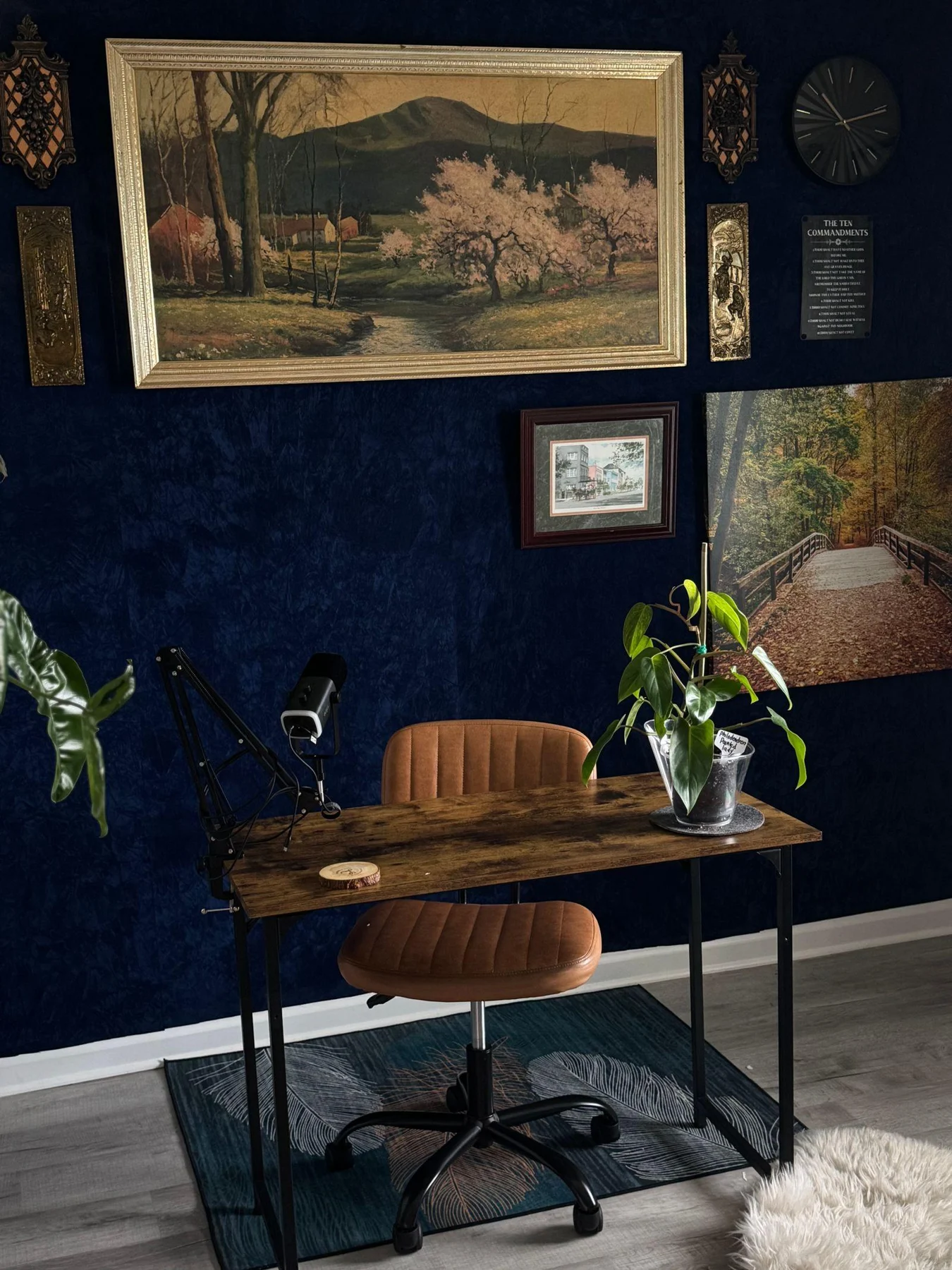
Keep private details out of view. A framed document, family photograph, or map with a marked home location may reveal more than intended. You need not make the office impersonal, but it is useful to inspect the background as a visitor would.
Keep the room comfortable off camera
A print should not be hung in an inconvenient place solely to fill a video rectangle. If the camera view requires an unnatural arrangement, try a modest change to desk or camera position first. The office still needs to function when no call is running.
Save a screenshot of the final setup, then check the view again after changing the chair, monitor, or camera. Small equipment adjustments can alter the visible wall. A simple background with one well-placed work is usually easier to maintain than a tightly packed display built around one exact crop.