Keep the working screen in the plan
Turn the television on while testing the layout. Moving images, subtitles, and bright scenes change the wall far more than a static black screen. Art that feels balanced beside the switched-off television may compete with it during normal viewing.
Keep vents, controls, cables, and any required manufacturer clearances accessible. Do not place frames where they interfere with a mount's movement or make the television harder to service. If cables need tidying, address that separately rather than hiding access behind artwork.
Choose a clear organizing line
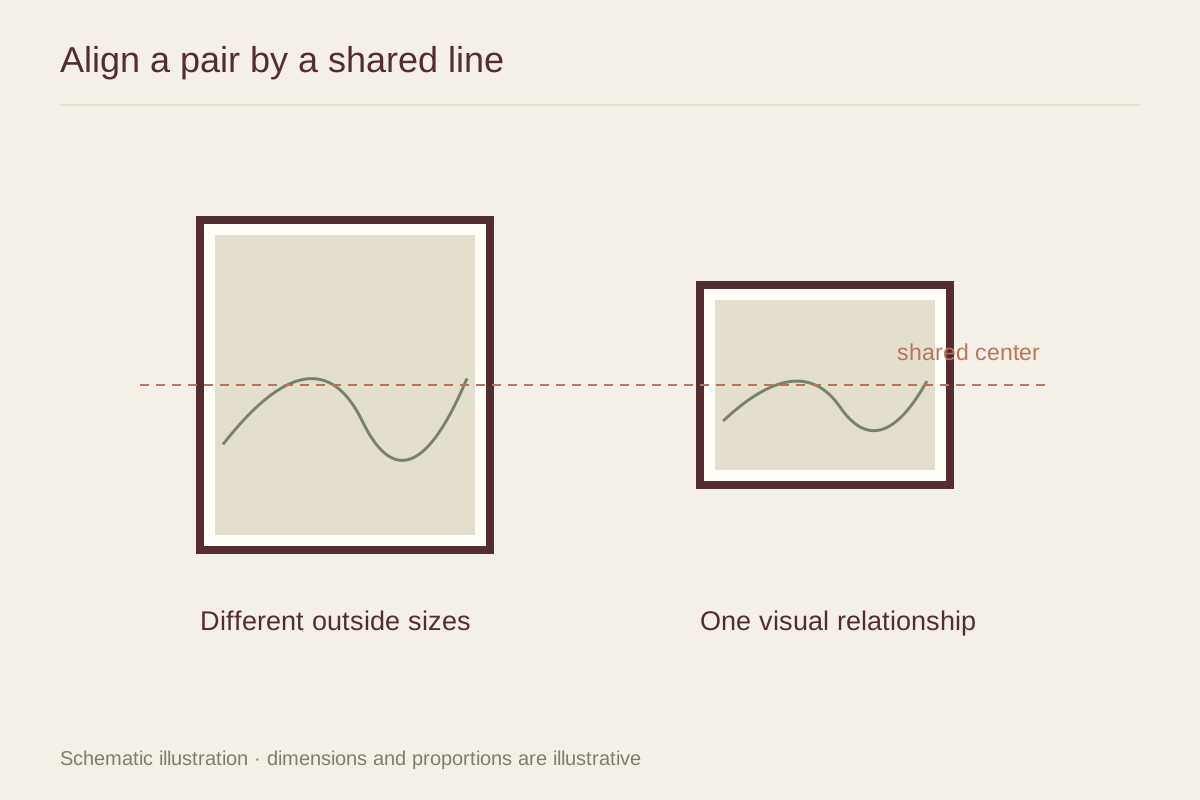
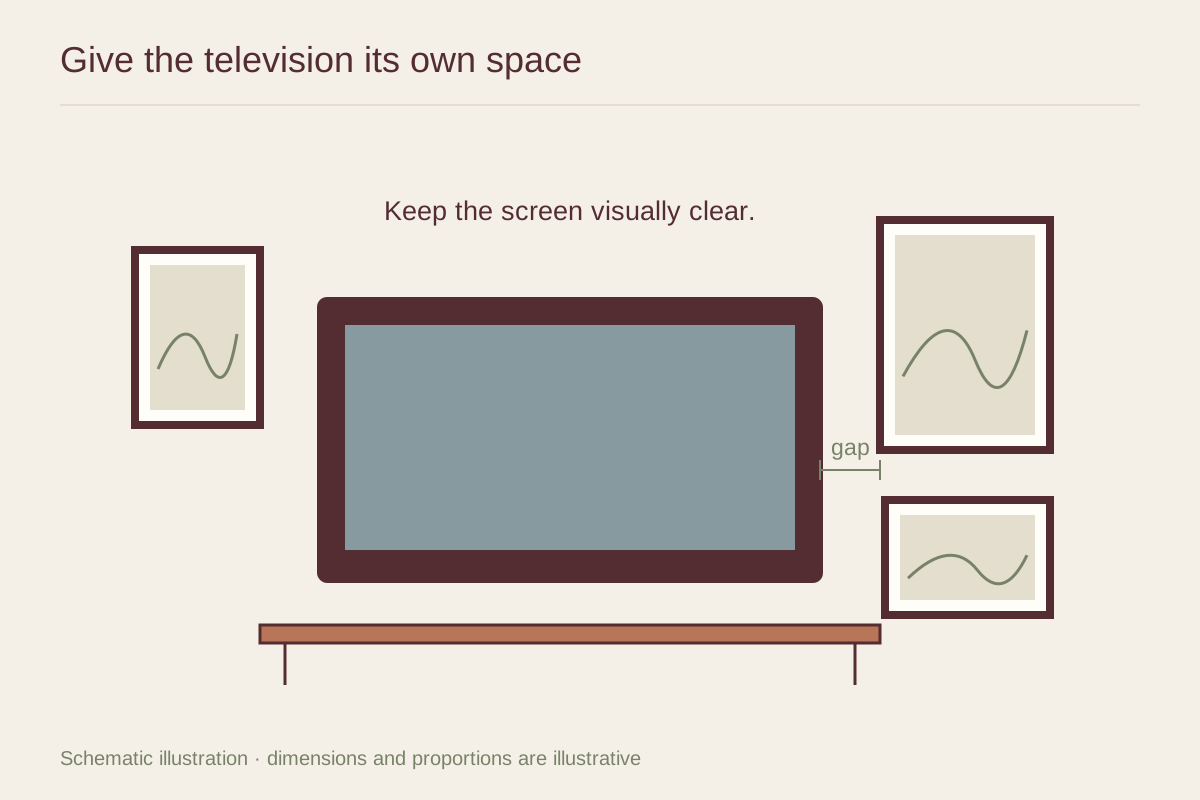
You might align a few frame tops with the screen, continue a line from a media cabinet, or create a loose cluster to one side. Pick one structure and test it with paper. Surrounding every edge with pictures can make the television feel trapped in a decorative border.
Use the art's visual weight thoughtfully. A small dark photograph can relate to the screen more strongly than a larger pale drawing. Repeating black in every frame is optional; wood or light frames may create a softer transition to the room.
Let some wall remain empty
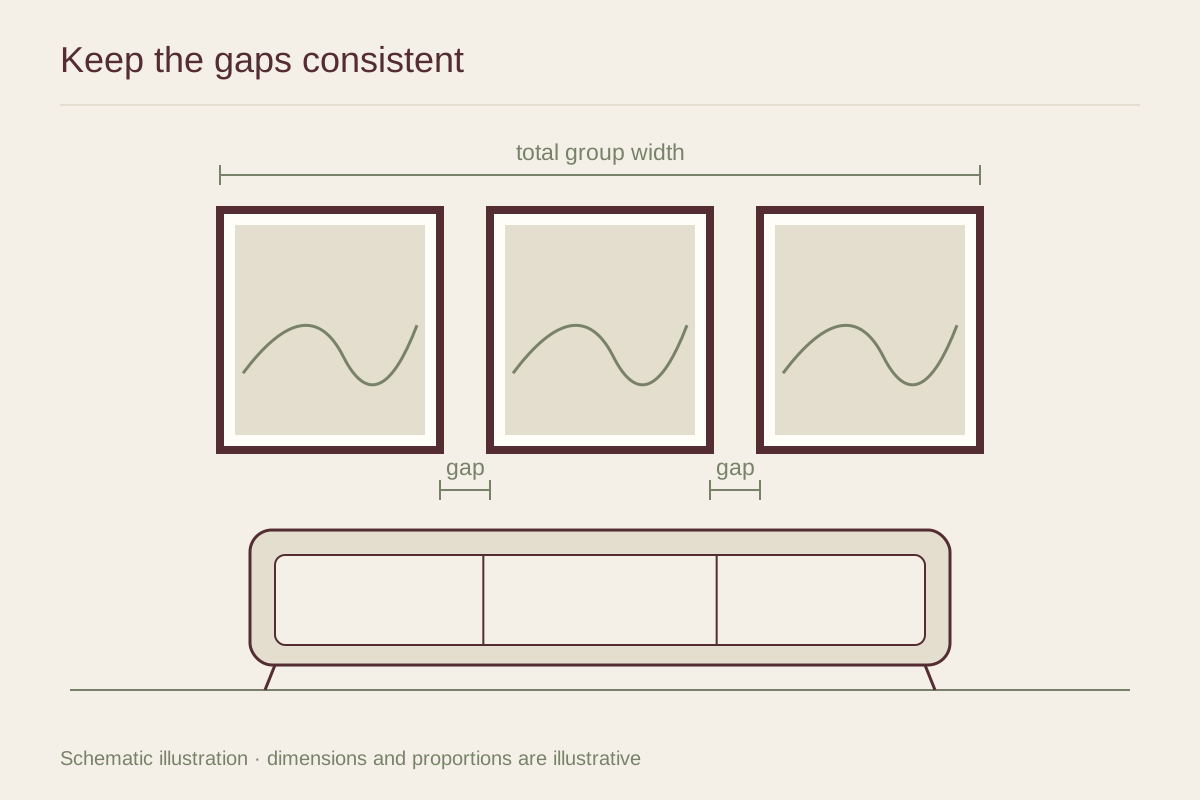
Leave room between the screen and frames so the objects remain distinct. Check the gaps from the main seat, where the television may appear larger than in a wide-angle room photograph. If the group feels restless, remove one piece before tightening every space.
Avoid choosing all the art merely to match a television. Select images you would still enjoy on another wall. A modest group beside the screen can provide character without requiring the entire wall to behave like a gallery, and it is easier to revise if the television size changes later.