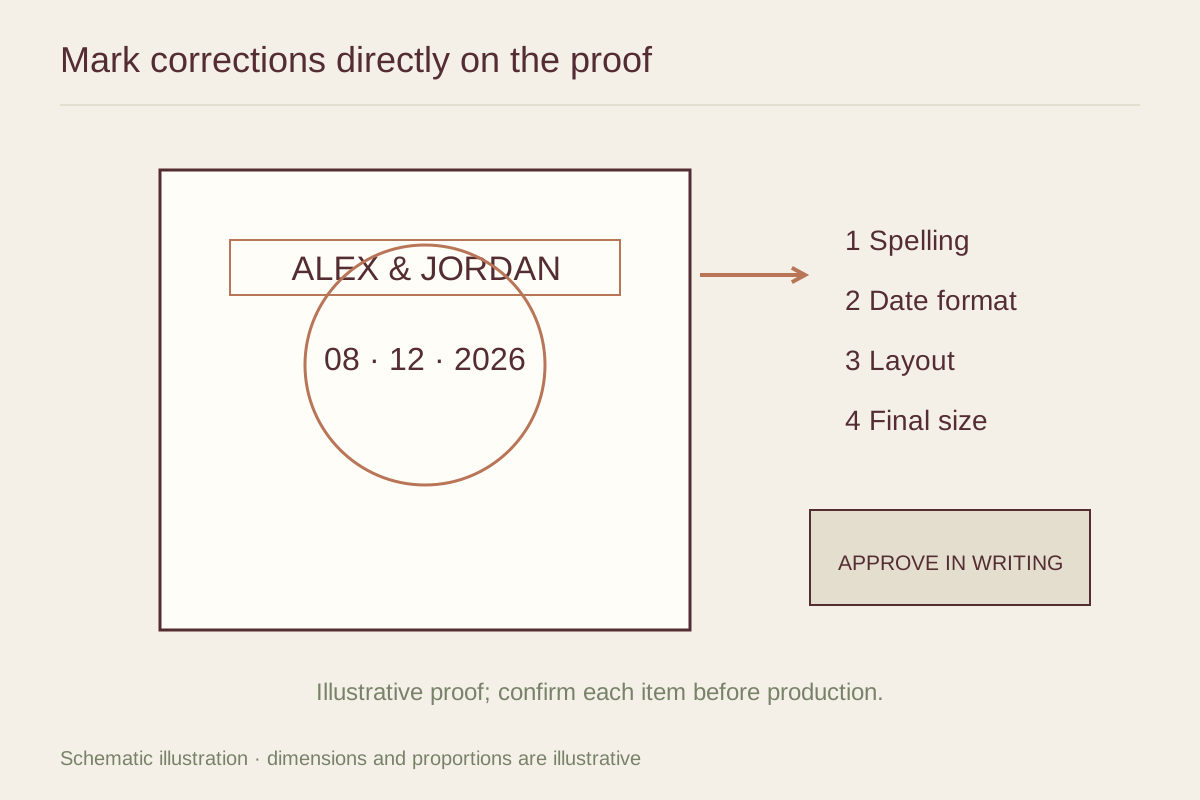
Identify the version you are reviewing
Open the latest file or proof link and check whether earlier versions are still visible in the message thread. If the seller uses version numbers, include the number in your reply. Avoid commenting on an old attachment after a revised one has arrived.
Find out what the proof represents. It might show the artwork only, the printed sheet with a border or a mockup inside a frame. A decorative room mockup does not establish exact scale, and a frame shown for illustration may not be part of the order. Check the product description alongside the proof.
Read the text as text
Review names, dates, addresses and dedications independently of the image. Read each character slowly rather than recognizing the phrase from memory. Familiar wording is easy to skim, which is why a misspelled name can survive several casual checks.
Compare the proof with the exact wording you submitted. Look for missing accents, an unintended apostrophe, swapped digits and inconsistent capitalization. If the date is numeric, confirm which part is the month. Spelling out the month can remove ambiguity, but ask whether that change fits the agreed design.
Have a second person check essential facts when appropriate. Their job is to verify the spelling and numbers, not to introduce a new design direction after the brief has been settled.
Check the subject and the composition
Confirm that every requested person, pet or building feature is present. Look at distinguishing details such as glasses, hair, markings or a door color. For combined portraits, check relative sizes and placement as well as individual likenesses.
Then step back from the details. Does the overall arrangement still match the agreed orientation and purpose? A well-drawn face can distract from a caption that is too close to the edge or a background that overwhelms the subject. View the proof at more than one size to catch both kinds of issue.
Inspect the edges and the finished dimensions
Ask which boundary represents the printed edge and which parts may be trimmed or covered by a mat. Keep important text and features away from those areas according to the printer’s requirements. Do not invent a universal safe margin; the production method and product determine it.
Confirm the paper size, image area and any border. If the piece is framed, check the outside frame dimensions and the visible opening. A proof can look balanced on a screen while the delivered image is smaller than expected because a broad mat occupies much of the frame.
For a set of prints, inspect the group as well as each individual image. Compare alignment, caption placement and the intended order. One slightly different border can become much more obvious when the pieces are displayed together.
Understand what a screen cannot guarantee
A monitor is illuminated and its color depends on settings and the viewing environment. A proof on a bright phone does not guarantee identical color on paper. Ask about a physical proof when exact color is especially important and the service offers one.
Do not make repeated color requests from several different screens without a consistent reference. A print described as warm cream may look different under cool room lighting. The seller should explain the proof process and its limits rather than promise that every device will show the finished color accurately.
Send one clear response
Collect requested changes in a numbered list, using the seller’s preferred method. Identify the detail and the desired correction. If a comment is a question rather than a change request, say so. Keep essential corrections separate from optional preferences.
Before giving final approval, read what that approval triggers. It may begin printing or close the revision stage. Save the approved version and your confirmation, then use that same proof when checking the delivered item. A careful record makes it easier to describe a genuine production mismatch without relying on memory.