Find the original and choose the crop
Export from the original photo library rather than taking a screenshot or saving a compressed copy from a message. Keep the untouched file and make edits on a duplicate. Confirm that the export contains the full image dimensions you expect.
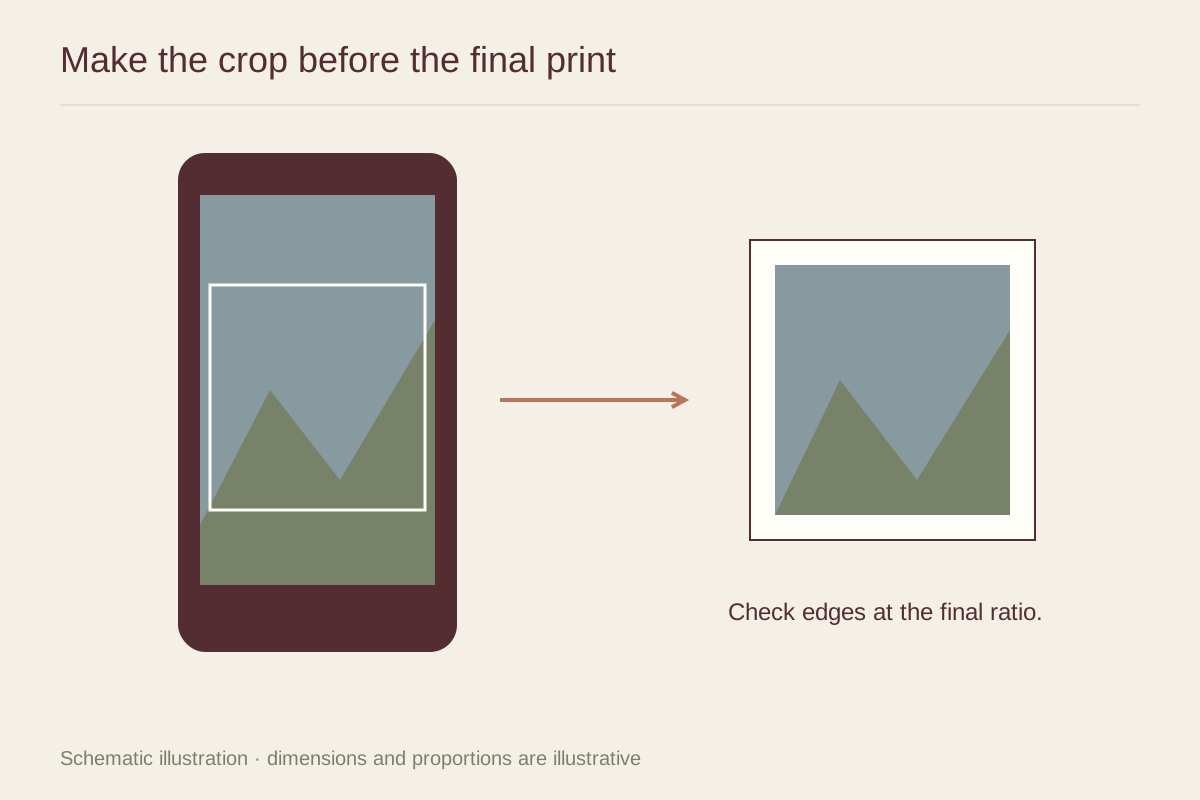
Choose the print's aspect ratio before adjusting the composition. A phone image may not share the shape of a 4 by 6 or 5 by 7 print. Move the crop deliberately so it does not cut a hand, squeeze a face against the edge, or remove an important part of the background. Leave room for any frame or mat overlap.
Make restrained adjustments
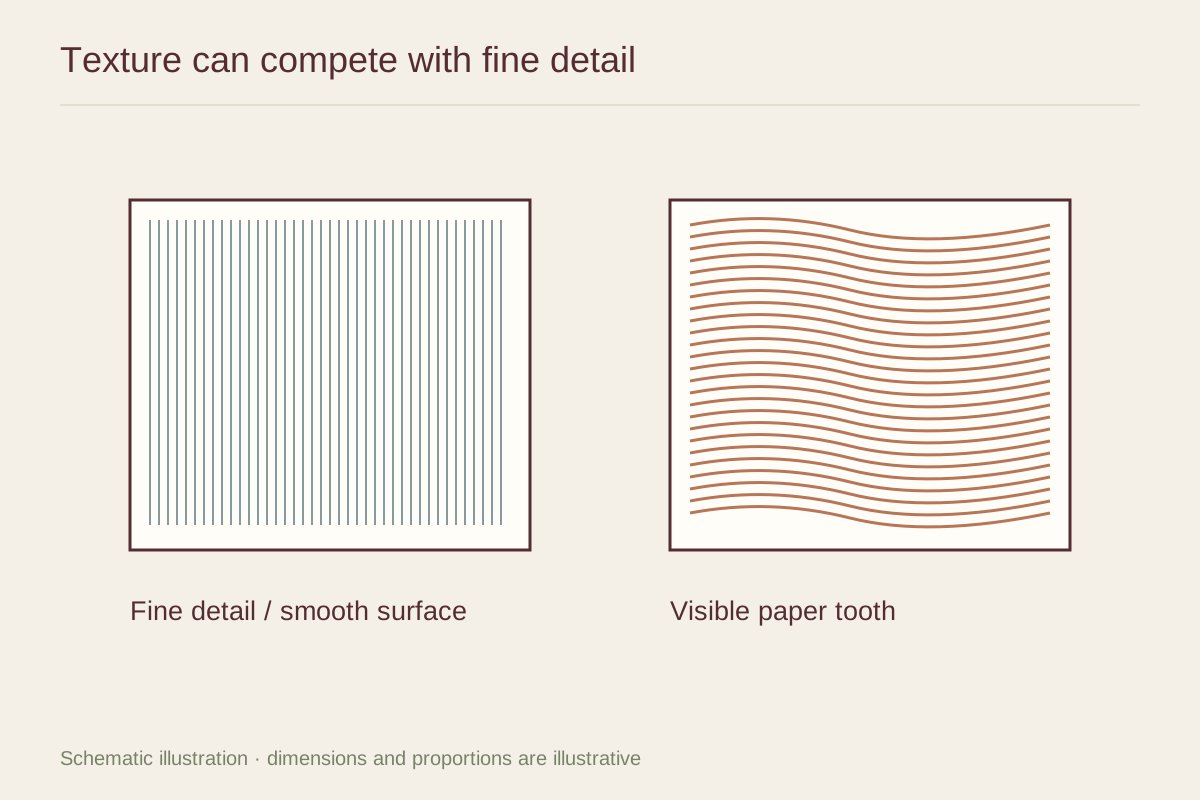
Correct an obvious tilt and consider whether the exposure preserves detail in both the face and background. Heavy sharpening can create halos around edges, while strong noise reduction can make skin or foliage look smeared. Look at the important area at a larger view before approving those effects.
A filter that looks pleasant on a glowing phone screen may print with deep shadows or strongly tinted skin. Compare the edited and original versions under the same screen conditions. Keep the changes that serve the photograph rather than adding an effect simply because the control is available.
Order one test before a group
Check the printer's file and resolution requirements for the selected size. If you are making several gifts or a wall arrangement, order a single representative print first. Choose a test image with the kinds of detail and color found in the rest of the group.
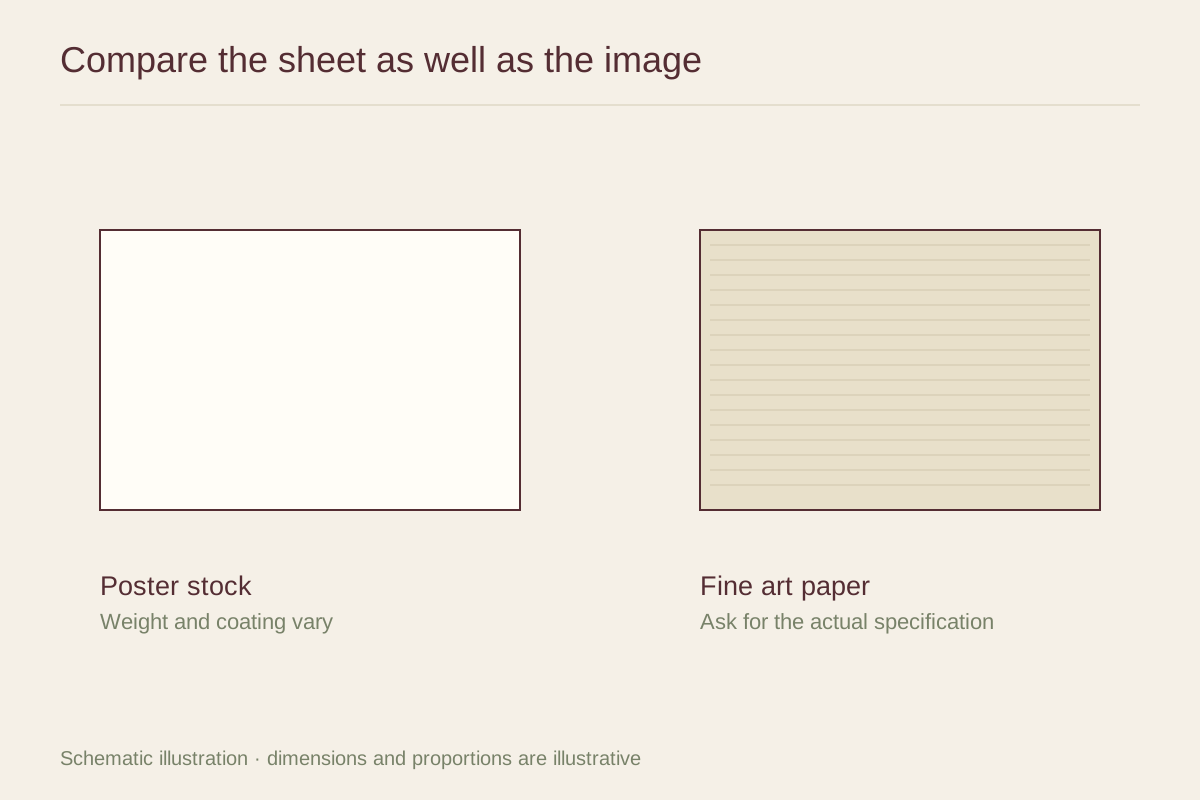
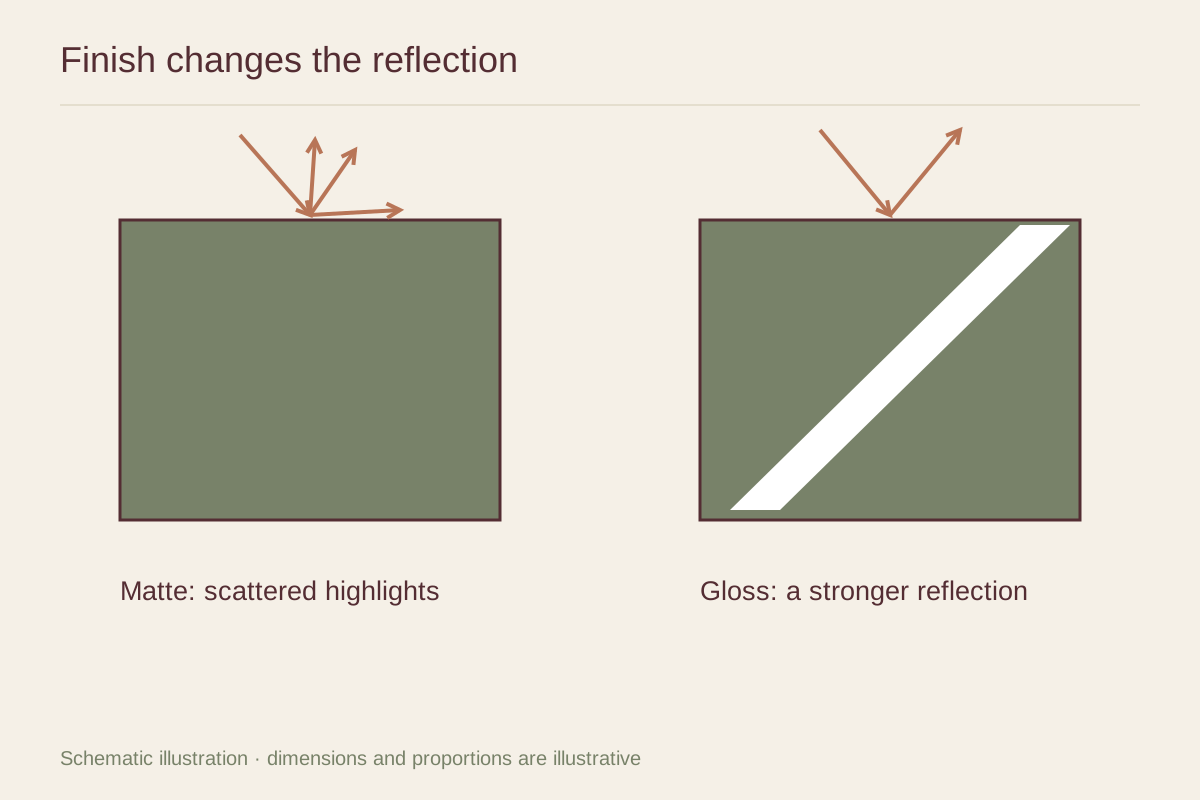
Inspect the delivered print in ordinary room light. Check crop, sharpness, skin tone, and whether the paper finish suits the image. A small border may help a tightly composed photograph sit comfortably in a frame, but confirm whether that border is included in the listed sheet size. Save the approved settings so the next print does not become a new guessing exercise.