Compare the lightest parts of the print
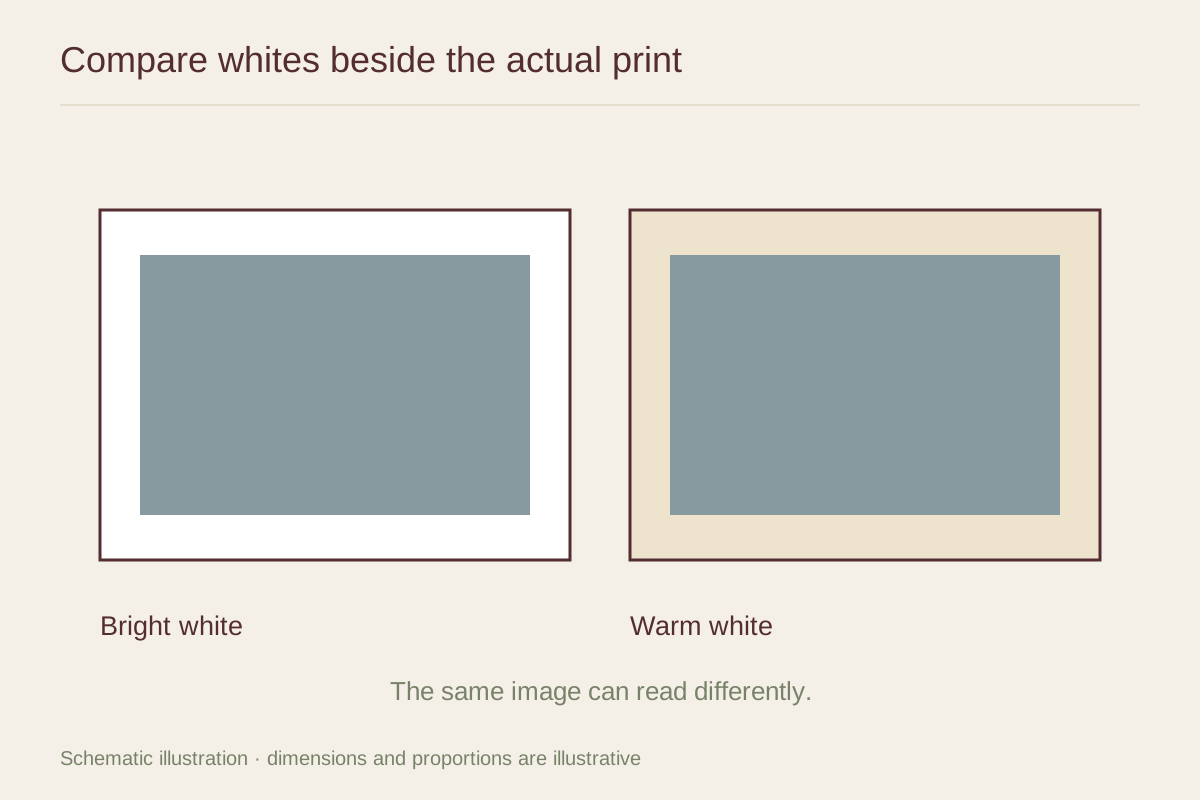
Place warm white and bright white samples beside an unprinted margin or a pale part of the image. A large mismatch can make the paper appear discolored even when it is simply a different shade. That contrast may be intentional, but it should be visible before the mat is cut.
For a photograph with cool snow or metallic highlights, a warmer mat may introduce a noticeable cream band. For an illustration printed on naturally warm paper, a very bright white can make the sheet look darker. Begin with a white close to the paper, then test a slightly warmer or cooler alternative to see which relationship you prefer.
Use the room's actual light
Compare samples upright under the lighting used in the room. Daylight, an evening lamp, and a shop's overhead lights can make the same combination appear different. Do not choose only from a photograph on your phone; the screen and camera may shift both the print and the mat colors.
Include the frame corner in the test. A black molding can make a white mat feel sharper, while a pale wood can soften the transition. A cream wall is part of the picture too, but it is farther away from the image than the mat. Give the immediate paper-to-mat boundary priority if the two considerations conflict.
Avoid treating warmth as an age effect
A warm mat can support an older-looking image without imitating stained paper. There is no need to exaggerate yellow tones to make a reproduction appear historic. Conversely, a bright white mat does not automatically modernize every picture; its effect depends on the image and frame around it.
Save the selected mat's manufacturer and color code. Names such as ivory, snow, or antique white vary widely between brands, and a later replacement may not match by name alone. If you plan a pair of frames, order the mats together where possible and compare them side by side before assembling the display.